
Guest computer control for hotels
Public computers. Under control.
Guest2Go turns the business-center PC into a managed kiosk. Guests get the apps they need. When they leave, the computer is cleaned up and ready for the next guest.
The problem
A public computer inherits everything.
- 01
Files stay behind
Documents, downloads and boarding passes saved by one guest are still there for the next one. So are the print jobs they sent.
- 02
Sign-ins stay open
Browsing history, cookies and signed-in accounts outlive the person who used them.
- 03
No two guests start the same
Settings drift and screens get rearranged, so every guest inherits a different computer.
- 04
The whole desktop is reachable
Without a lock, a guest can get to the desktop and the tools behind it, whether they mean to or not.
Guest2Go
Open to guests. Closed to trouble.
Guest2Go helps hotels provide a public computer that stays useful for guests while staying under the hotel’s control. It’s designed to keep the machine in a known state, and we monitor and update it for you.
How it works
Watch it work.
Screens from the Guest2Go demo, with sample data.
The computer is the product
This is where Guest2Go lives.
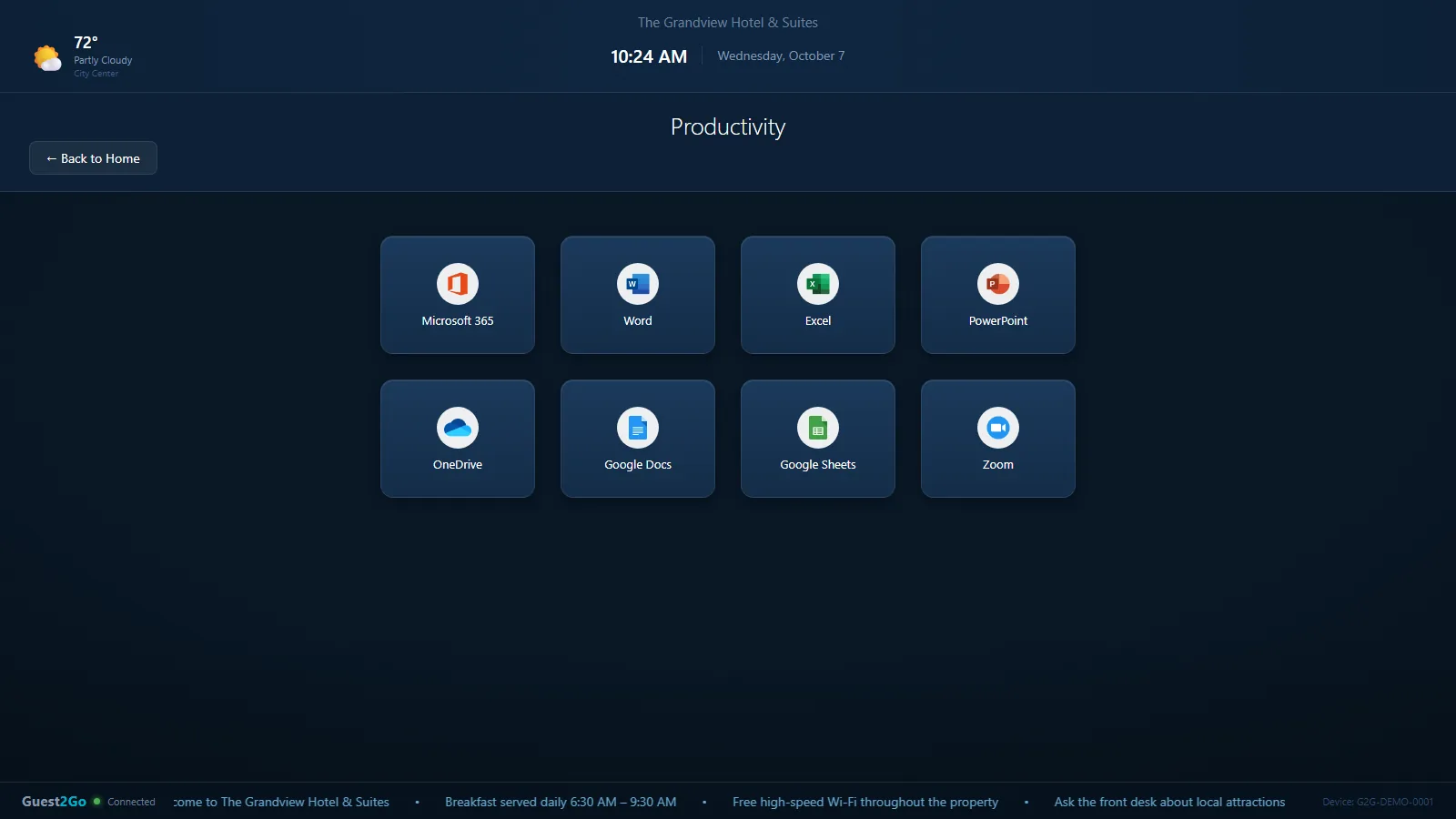
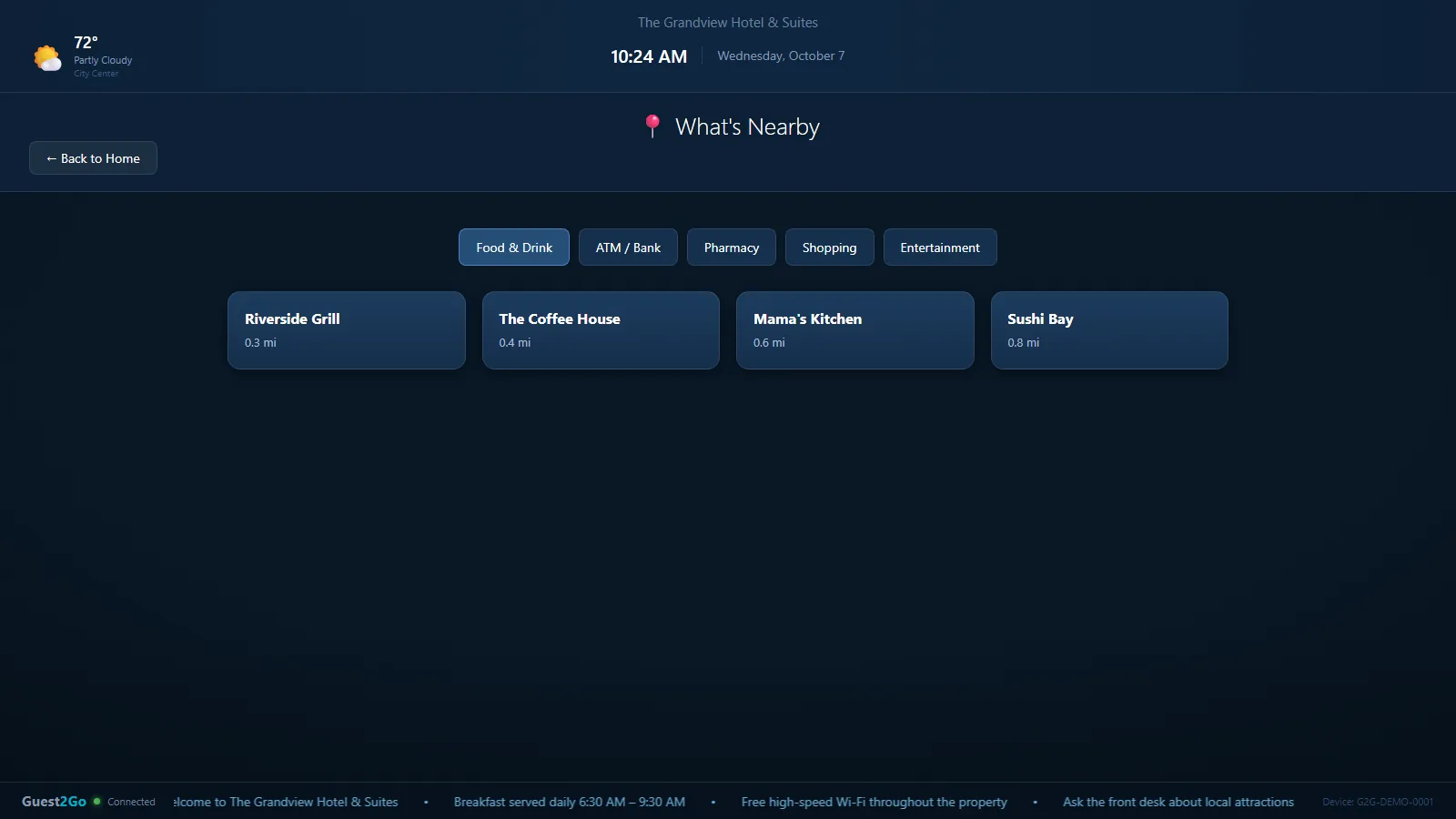
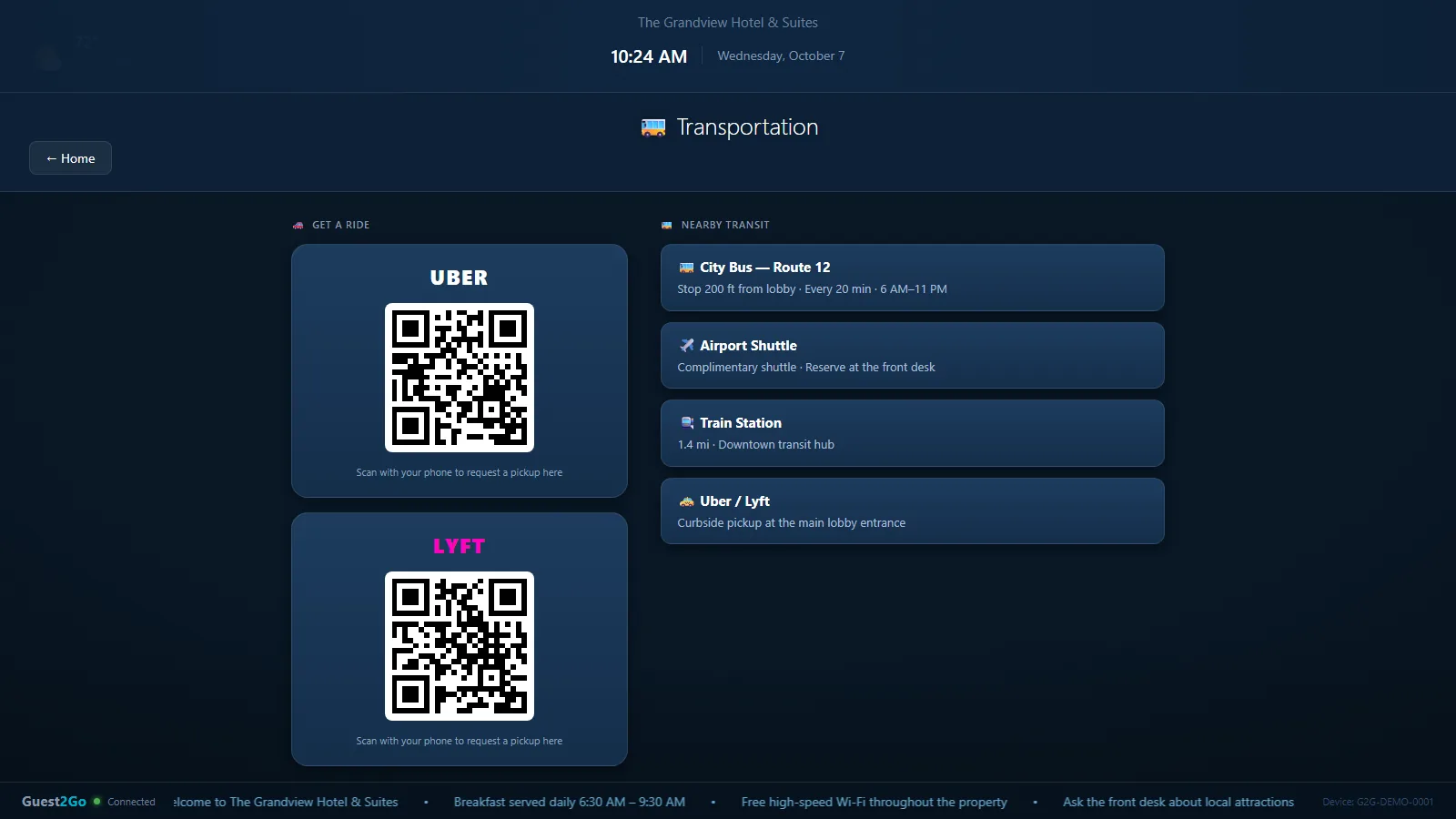
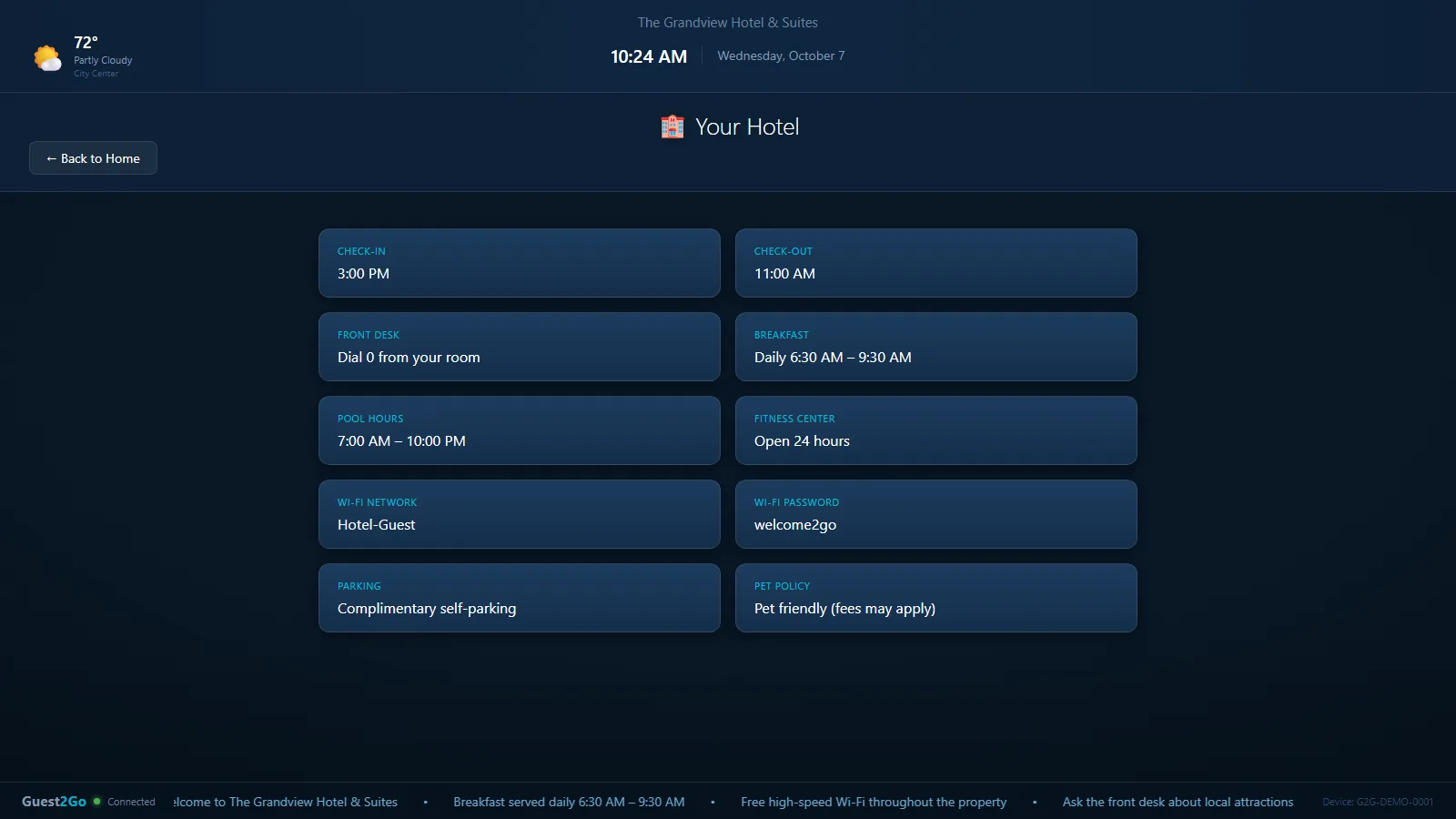
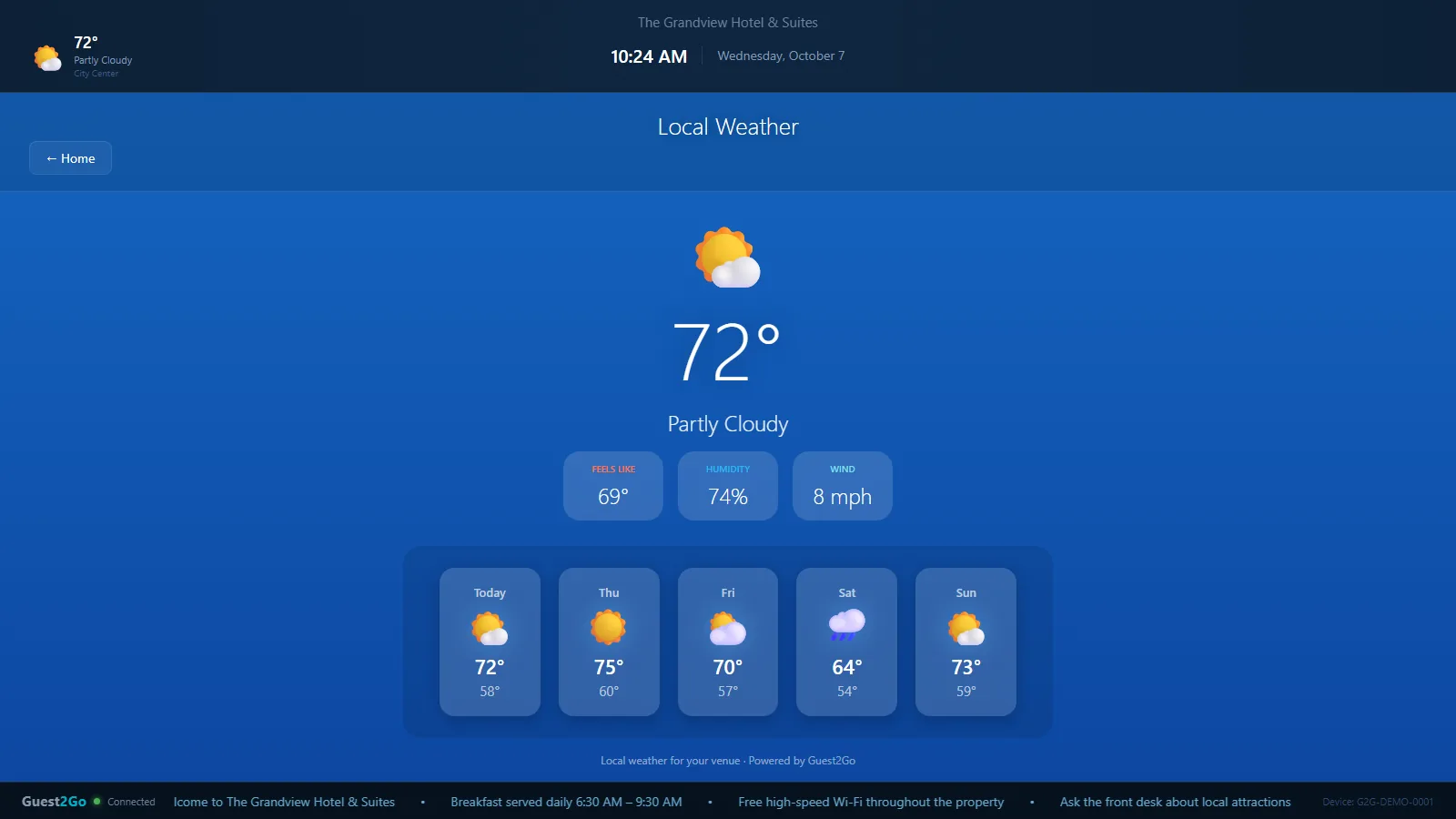
Screens from the Guest2Go demo, with sample data.
Before & after
Pick the computer you’d rather hand a guest.
Without Guest2Go
With Guest2Go
Drag, or use the arrow keys. The cluttered desktop is an illustration; the clean screen is the real kiosk.
Built for hospitality
Every guest computer on the property, in view.
Illustration with sample data. Hover or focus a computer.
- Hotel business centersThe PC guests use to print a boarding pass or finish a document.
- Lobby and guest computer areasA self-serve screen with your hotel’s name, weather and local information.
- Hospitality workspacesComputers that stay ready between guests, without staff resetting each one.
- Public-access stationsOne managed kiosk screen, the same for every guest who sits down.
Features
Four ways to stay in control.
What guests can and can’t change.
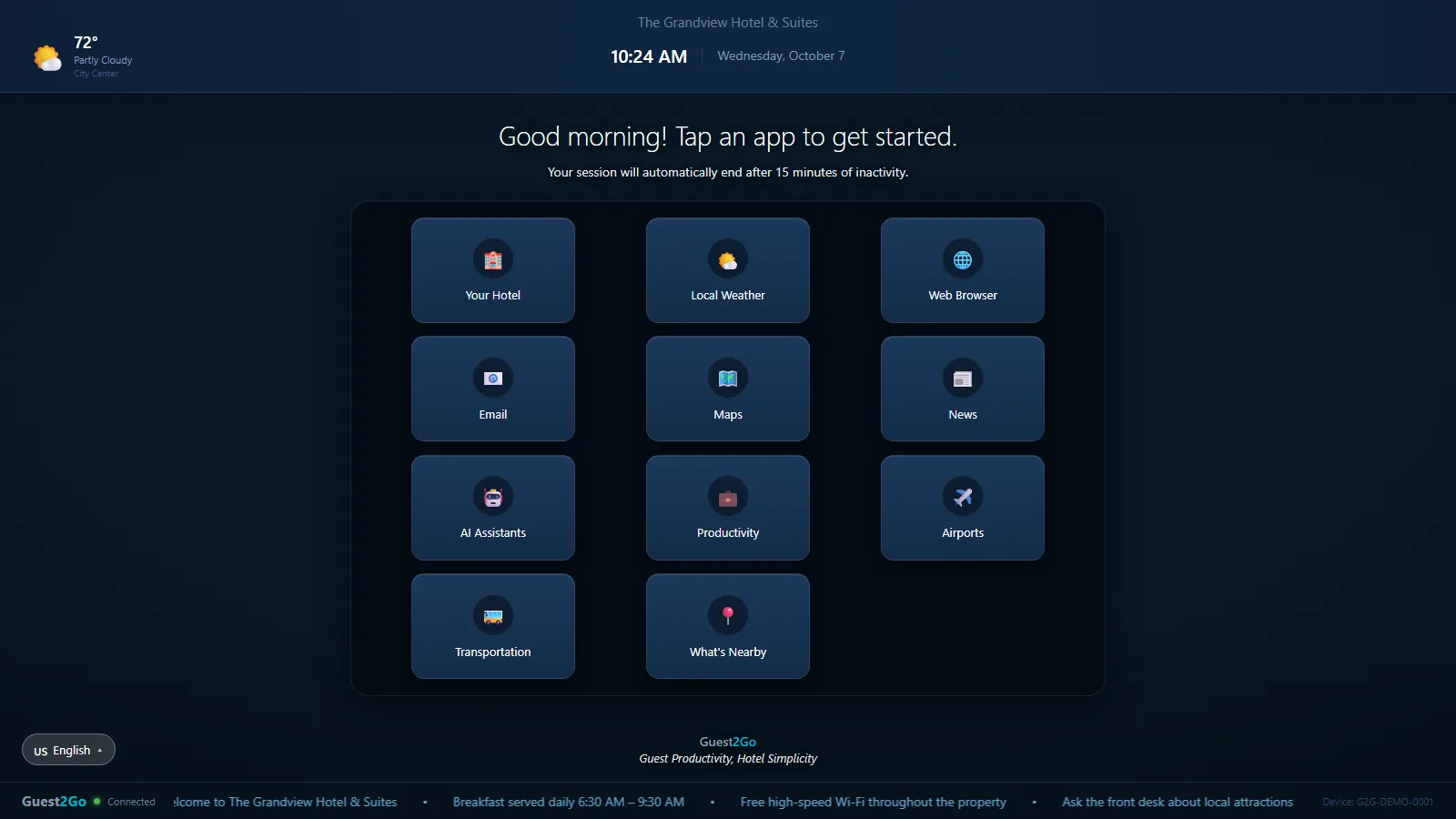
- Large, labeled tilesYour Hotel, Weather, Web Browser, Email, Maps, News, AI assistants, Productivity, Airports, Transportation and What’s Nearby.
- No desktopNo start menu and no file browser to wander into.
- Optional front-desk PINAsk guests for a PIN before the screen unlocks.
- A language buttonOne tap switches the whole screen for guests who read another language.
How the computer environment is protected.
- Wiped after every guestSaved files, browsing history, cookies and sign-ins, temporary files and the print queue.
- Locked inNo Task Manager and no way out of the kiosk screen.
- Walk-away cleanupIf a guest just leaves, the kiosk cleans up on its own.
How the guest experience stays predictable.
- The same welcome screenEach guest starts where the last one did, not where the last one left off.
- Automatic updatesNew versions and security patches go out from our end.
- Your hotel’s detailsCheck-in times, breakfast, pool hours, Wi-Fi, parking and pet policy, always answered the same way.
How the hotel and we manage the system.
- Live statusOnline, In Use, Offline or Maintenance, with live updates, in a dashboard on the desktop app or any web browser.
- We hear about it firstEvery kiosk checks in every 30 seconds. If one goes quiet we are alerted and start fixing it, usually remotely.
- Maintenance modeTake a kiosk out of service while it is being worked on.
- Your own portal ProSet your colors and welcome message, schedule announcements, and pull usage reports.
Why hotels use it
More control. Less chaos.
Guest2Go is designed to make public guest computers easier to control and manage.
- 01
A cleaner guest experience
Every guest starts from the same welcome screen, not whatever the last guest left behind.
- 02
Less to manage by hand
Cleanup, updates and monitoring are handled without staff touching each PC.
- 03
Greater control
Guests get the tiles you choose and nothing else. A front-desk PIN is optional.
- 04
A more professional presentation
The business center looks like part of your property, with your hotel’s name on the screen.
Someone remembers to clear files, history and sign-ins.
Cleared when the session ends.
Staff or IT visit each PC.
Sent remotely from our end.
Found when a guest complains.
Monitored. We’re alerted when a kiosk goes quiet.
The whole desktop.
A set of large, labeled tiles.
Depends on staff time and IT support.
From $500 per PC per year.
Pricing
Per PC, per year. That’s the whole price.
Standard
$500/ PC / year
We run it for you.
- Round-the-clock kiosk monitoring
- Remote issue detection and repair
- Session management and maintenance mode
- Automatic software and security updates
- Business-hours phone support
Pro · adds your own portal
$600/ PC / year
You steer it, too.
- Everything in Standard
- Theme and branding control
- Welcome message customization
- Scheduled ticker and announcements
- Usage and session reports
Work out your number
$1,800per year
3 PCs at $600.
Billed annually per physical Windows kioskVolume pricing for 20+ devicesNo contracts or cancellation fees
FAQ
Questions hotels ask.
What is Guest2Go?
Guest2Go turns the business-center PC into a locked-down kiosk. Guests get a simple screen of apps. When they finish, the computer is cleaned up and ready for the next guest. We monitor and update it remotely.
What does it protect?
It’s designed to keep the computer in a known state. After each session it clears saved files, browsing history, cookies and sign-ins, temporary files and the print queue, and guests can’t leave the kiosk screen.
Who is it designed for?
Hotels and other hospitality properties that provide a computer for guests, such as a business center, lobby or guest workspace.
What happens when a guest changes something?
Guests only see the kiosk screen. There is no desktop or Task Manager to change things from, and when the session ends the kiosk returns to the welcome screen.
How is it managed?
Every kiosk checks in with us every 30 seconds. We monitor it, send updates and fix problems remotely. You can see live status in a dashboard on the desktop app or any web browser. The Pro plan adds a portal for your colors, welcome message and announcements.
What hardware does it support?
Guest2Go runs on Windows PCs. If you’re not sure about a particular machine, ask us.
Do staff have to manage every computer?
No. Updates, monitoring and repair are handled from our end, so your front desk doesn’t have to.
How do I get started?
Send us a note. We can walk you through the kiosk and the dashboard with a live demo, and tell you exactly what it costs for your property. There are no contracts.